Your sensor data,
in the cloud
Real-time dashboards, continuous data logging, automated reports, and instant alarms. Connect any MQTT gateway or transmitter and start monitoring in minutes.
Why Dasberry?
Built for engineers, operators, technicians, and scientists who want IoT to just work.
Works With Any Instrument
Works with any instrument that supports MQTT. No vendor lock-in, no proprietary hardware required.
Easiest to Use
AI-assisted device setup gets you from unboxing to dashboard in minutes. The easiest IoT platform on the market. No PhD required.
Friendly Plans
Every plan includes the full platform. SMS alerts, generous storage, and API access. No feature gates, no upsells. Just pick the plan that fits your scale.
Agent Friendly
Full API access on every plan. Give your AI agents a direct line to your devices and let them help manage your processes autonomously.
The Platform
Everything you need to connect, monitor, and act on your device data.
Real-time Dashboards
Build custom dashboards with drag-and-drop widgets. Number displays, gauges, time-series charts, all updating live as data flows in.
- Drag & drop layout editor
- Multiple widget types
- Live updates as data arrives
Easy Setup
Connect any instrument that supports MQTT, no matter how it sends its data. Our AI-assisted setup reads your device and maps everything to named channels, so you can focus on your data instead of configuration.
- Works with any instrument
- AI-assisted device setup
- Channels detected for you
"temp": 72.4,
"humidity": 45.2,
"pressure": 1013.25,
"motor_rpm": 1420
}
Smart Alerts
Set thresholds on any data channel and get notified instantly. Configure warning and critical levels with email and SMS delivery.
- Configurable thresholds
- Email & SMS notifications
- Per-device alert rules
Scheduled Reports
Automate data exports on a schedule. Get CSV reports delivered to your inbox daily, weekly, or monthly.
- Automated CSV exports
- Flexible scheduling
- Email delivery
Full API Access
Every plan includes API access. Integrate Dasberry Cloud into your existing workflows, build custom automations, or let AI agents interact with your devices directly.
- API access on every plan
- Device and channel endpoints
- Build custom integrations
"data": [
{
"key": "temp",
"value": 72.4,
"time": "2026-04-10T14:30:00Z"
},
...
]
}
Any MQTT instrument, zero custom code
MQTT is the common language most modern instruments use to send their data. The catch is that every brand does it a little differently, so most platforms make you write custom code or hire an integrator just to get your readings in. Dasberry Cloud handles that part for you.
The old way
- 01.Dig through the device manual and hope the data format is documented.
- 02.Write custom code for every kind of message the device sends.
- 03.Keep that code working every time the device gets an update.
- 04.Repeat it all over again for every new device you add.
The Dasberry way
- 01.Point your instrument at Dasberry Cloud using the login we generate.
- 02.Our AI reads the live data and maps every reading to a named channel.
- 03.Confirm the suggested names and units in the setup wizard.
- 04.You are live. Dashboards, alarms, and the API just work.
Any data format
However your instrument sends its readings, we can read it. There is nothing to reformat and no fixed template to match.
Built for any size
No integration call, no quote, no sales cycle. From monitoring a single process to a large install, your maintenance team can keep an eye on everything from anywhere.
Keeps up with changes
If your instrument starts sending its data a little differently, the setup adjusts itself instead of quietly losing your readings.
Simple, transparent pricing
Start free and scale as your IoT deployment grows.
Free
Yes, SMS included for free
- Real-time dashboards
- Email & SMS alerts
- Scheduled reports
- Full API access
- Circular memory
- AI-assisted setup
- Team collaboration
Don't want a subscription?
One-time paymentWe get it. Industrial procurement is built around buying hardware, not signing up for recurring SaaS. Buy a perpetual license the same way you buy a sensor: pay once, own it forever. $49 per device, 5 GB of storage included per device, no renewals.
Storage Calculator
We only charge by number of devices and storage. Estimate how much you need.
Estimated storage
176.3 MB
Recommended plan

Need hardware too?
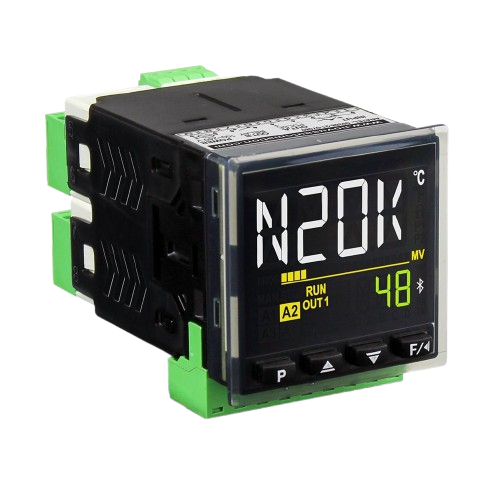
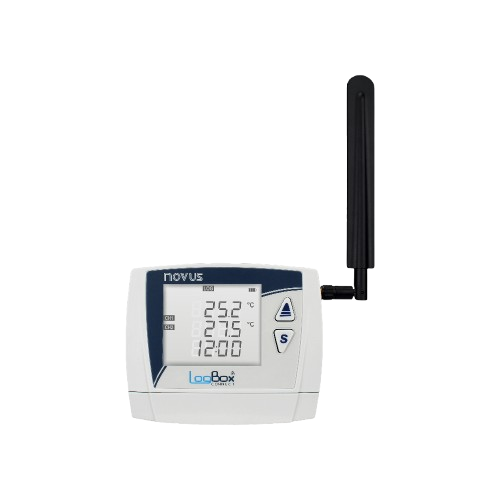
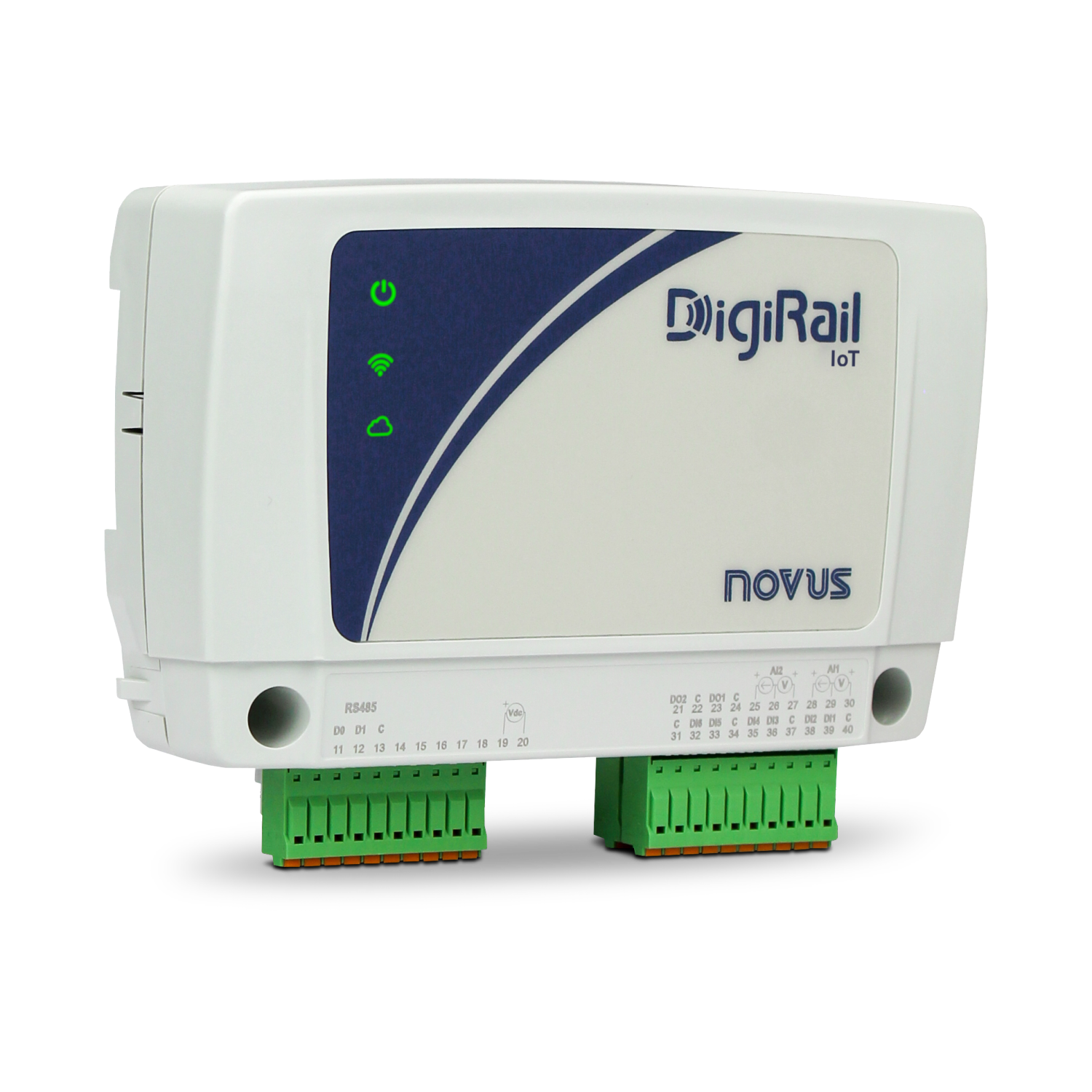
Dasberry Cloud is built by IOThrifty, an industrial IoT company offering everything from MQTT gateways to sensors and transmitters.
Already have hardware? No problem. Dasberry Cloud works with any MQTT-enabled device from any vendor.
Ready to get started?
Start monitoring your devices for free, or reach out and we'll help you find the right setup for your operation.